
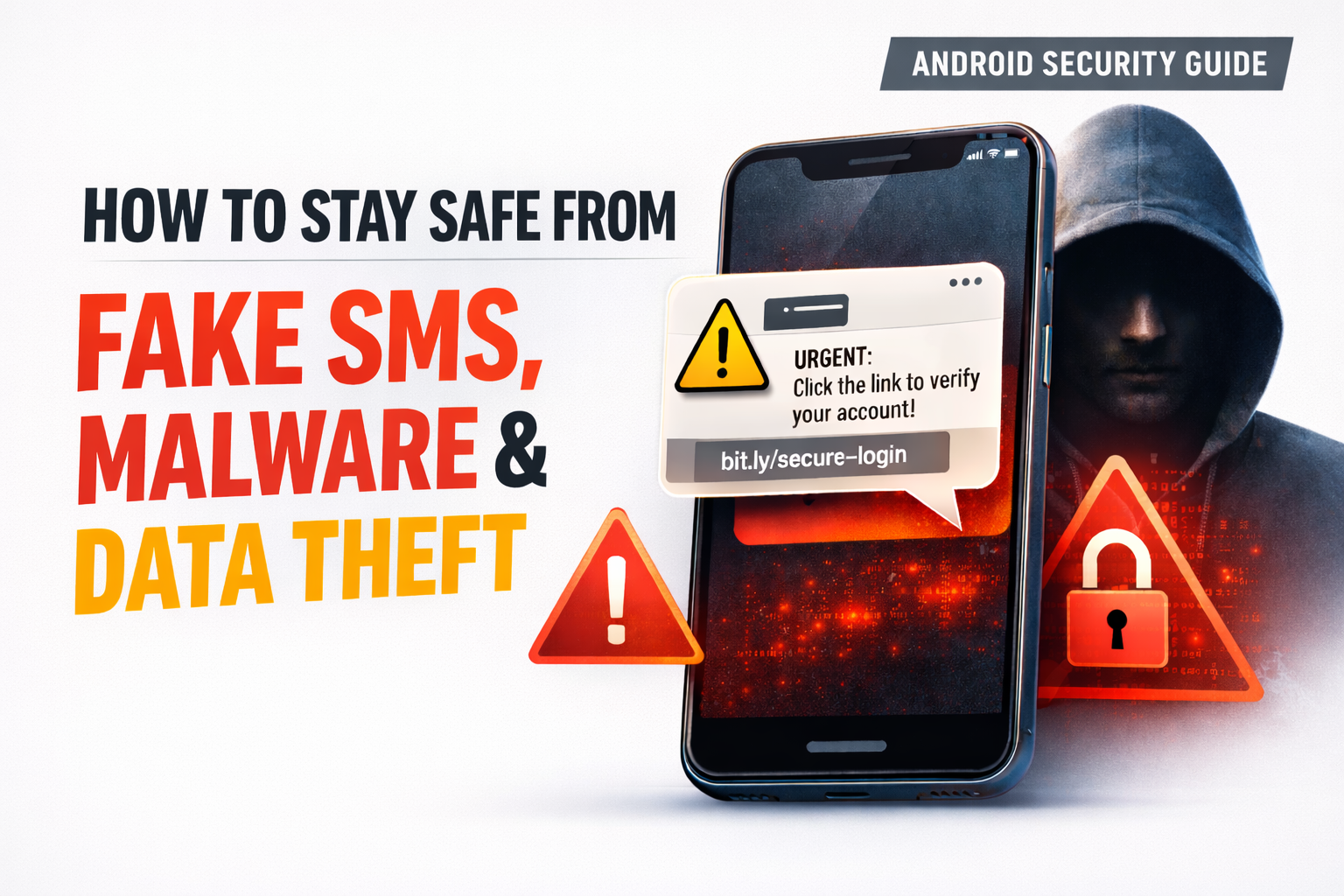
Android Mobile Application Security
Android smartphones have become an essential part of our daily lives. From online banking and shopping to personal communication and work, we rely heavily on mobile apps. However, this convenience also makes Android devices a prime target for cybercriminals. Android mobile application security is no longer optional, it’s a necessity.
In this guide, I’ll explain what Android app security really means, the most common threats users face today, and practical steps you can take to protect your device. I’ll also highlight useful tools, including a fake sms checker app available on the Google Play Store, that can help detect SMS-based scams before they cause harm.
What Is Android Mobile Application Security?
Android mobile application security refers to the practices, tools, and technologies used to protect Android apps and devices from:
Security isn’t just about antivirus software. It includes safe app development, secure permissions, encrypted communication, and informed user behavior.
Definition-style explanation (AI Overview friendly):
Android mobile application security is the process of protecting Android apps and user data from cyber threats such as malware, fake SMS, phishing, and unauthorized access.
Why Android Devices Are a Common Target
Android is the world’s most popular mobile operating system. While Google continuously improves Android security, attackers exploit:
Popular brands like Samsung, Xiaomi, OnePlus, and Google Pixel invest heavily in security, but user awareness still plays a critical role.
Common Android Mobile Application Security Threats
1. Fake SMS and Smishing Attacks
Smishing (SMS phishing) is one of the fastest-growing mobile threats. Users receive messages pretending to be from banks, delivery services, or government agencies.
Example:
“You have a pending KYC update. Click here to avoid account suspension.”
These messages often contain malicious links that steal credentials or install spyware.
Using a fake sms checker app can help identify suspicious messages automatically before you click.
2. Malicious Android Applications
Some apps look legitimate but contain hidden malware. These apps may:
Steal contacts and messages
Track your location
Access OTPs and banking data
Even apps that were once safe can become dangerous after updates if compromised.
3. Excessive App Permissions
Granting unnecessary permissions is a major risk. For example:
A flashlight app requesting SMS access
A wallpaper app asking for microphone permission
This is a clear Android app security red flag.
4. Insecure Data Storage
Poorly developed apps may store sensitive information (like tokens or passwords) in plain text, making them easy to exploit.
Key Benefits of Strong Android Application Security Improving your Android security offers multiple benefits:
How Fake SMS Checker Apps Improve Mobile Security
A fake sms checker is a security-focused Android app designed to analyze incoming messages and detect scam patterns.
How It Works (Step-by-Step):
Helps block or report malicious numbers
Many users rely on fake SMS detection tools from the Google Play Store as a first line of defense against smishing.
Secondary keywords used naturally:
1. Download Apps Only from Trusted Sources
Always use the Google Play Store. Avoid third-party APK websites unless absolutely necessary.
2. Check App Reviews and Developer Details
Before installing:
Read recent reviews
Verify developer name
Look at update history
Established developers are less likely to distribute malicious apps.
3. Review App Permissions Regularly
Go to Settings > Privacy > Permission Manager and revoke unnecessary permissions.
Android 12+ allows one-time permissions, use them.
4. Use SMS Scam Detection Tools
Install a reliable fake sms checker to automatically detect fraudulent messages, especially if you receive frequent banking or delivery-related SMS.
5. Keep Android OS and Apps Updated
Security patches fix known vulnerabilities. Enable automatic updates whenever possible.
6. Avoid Clicking Links in SMS Messages
Even if the message looks genuine, open official apps or websites manually instead of clicking SMS links.
Real-World Example: Banking SMS Fraud
In 2024, multiple Android users reported losing money after clicking fake bank SMS links that mimicked well-known brands. The messages looked legitimate and used urgency tactics.
Users who had SMS filtering or fake SMS detection apps installed avoided losses because the messages were flagged before interaction.
This highlights how Android mobile application security tools can make a real difference.
If you develop Android apps, follow these security best practices:
Use encrypted APIs (HTTPS/TLS)
Implement proper authentication
Avoid hardcoding sensitive data
Follow Google Play security policies
Perform regular security testing
Showing responsibility as a developer improves trust and app reputation.
Conclusion: Secure Your Android, Secure Your Life
Android mobile application security is no longer just a technical topic, it’s a daily user responsibility. With increasing threats like fake SMS, phishing links, and malicious apps, staying informed is the best defense.
Bonus Tips:
Installing apps only from trusted sources
Managing permissions wisely
Using tools like a fake sms checker from the Play Store
Keeping your device updated
You significantly reduce your risk of fraud, data theft, and privacy invasion.
A secure Android device means safer communication, safer banking, and greater peace of mind.
Frequently Asked Questions (FAQs)
1. What is Android mobile application security?
Android mobile application security focuses on protecting apps and user data from threats like malware, fake SMS, phishing, and unauthorized access.
2. How does a fake sms checker work?
A fake sms checker scans incoming messages for suspicious patterns, links, and keywords, then alerts users if a message is likely a scam.
3. Are apps from Google Play Store always safe?
While Google Play is safer than third-party stores, no platform is 100% risk-free. Always check reviews, permissions, and developer credibility.
4. Can fake SMS really steal money?
Yes. Fake SMS can lead to phishing websites or malware that steals OTPs, banking credentials, and personal data.
5. What is the best way to protect my Android phone?
Use official app stores, update your device regularly, limit app permissions, avoid clicking SMS links, and use reliable Android security tools.